 DriveCanvas
Widgets for your
car display
Design clocks, photo frames and countdowns on your iPhone, then add them to CarPlay in iOS 26 — or to your Home Screen.
Coming soon to the App Store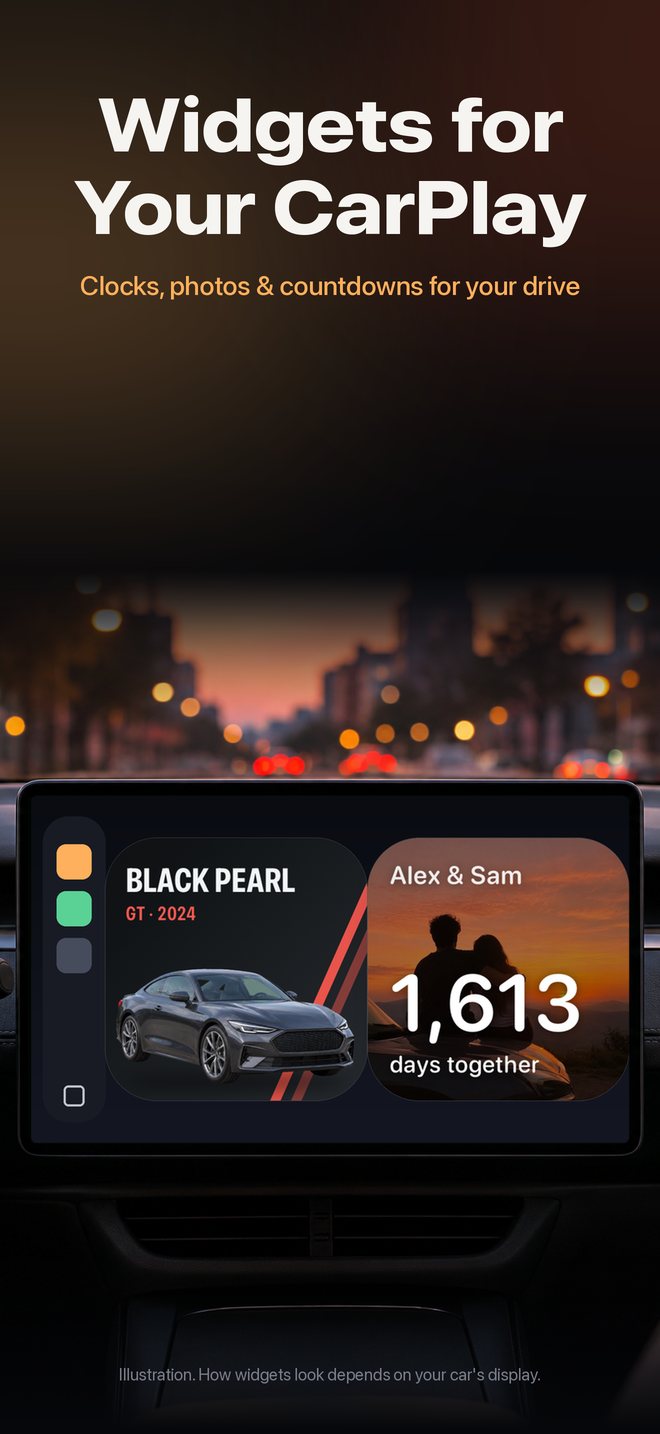
The car display in the first picture is an illustration. How widgets look depends on your car's display.
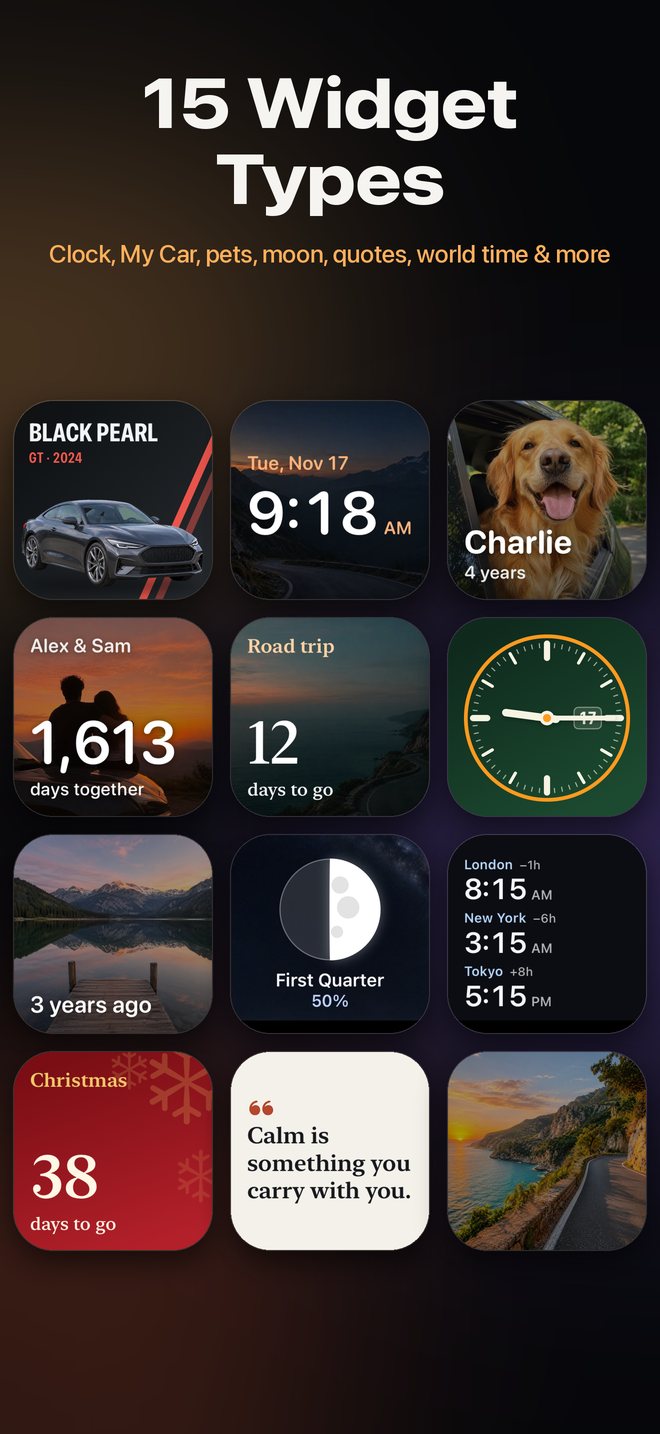
15 widget types
Clock, analog and world clock, date, calendar, photo, slideshow, My Car, couple counter, countdown, progress, text, quote, moon phase and pet card.
38 themes
Minimal, luxury, automotive, romantic and family looks, artwork backgrounds, plus Christmas and New Year collections.
Your photos
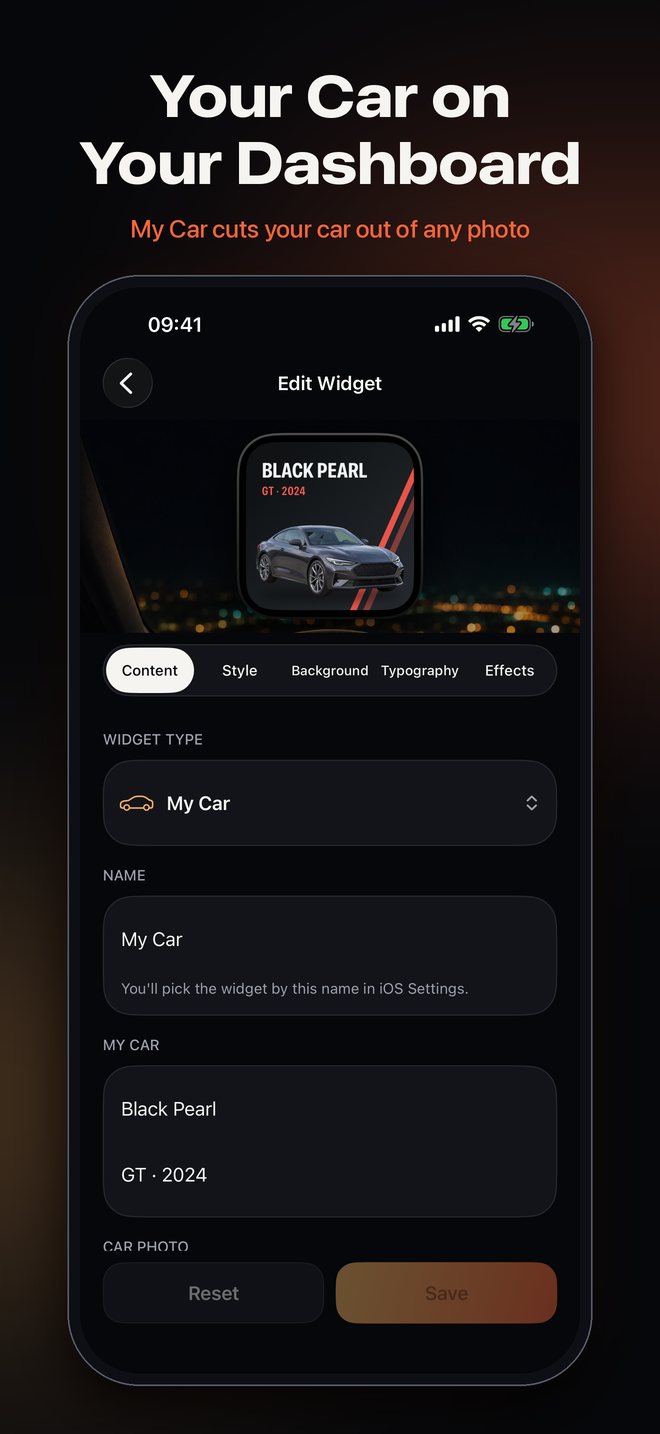
Albums, favorites, “on this day” or only your pets. My Car cuts your car out of a photo, on your iPhone.
Show on Screen
Keep a library of widgets and switch which one appears with one tap in the app.
Made for a glance
Large type, calm layouts, no animation. Widgets are meant to be read in a second.
Private by design
No account, no ads, no tracking. Your photos never leave your iPhone.